
Navigating South Africa: Major Airports and Arrival Guide
May 14, 2026
Getting Around: Domestic Transport and Travel Options in South Africa
May 14, 2026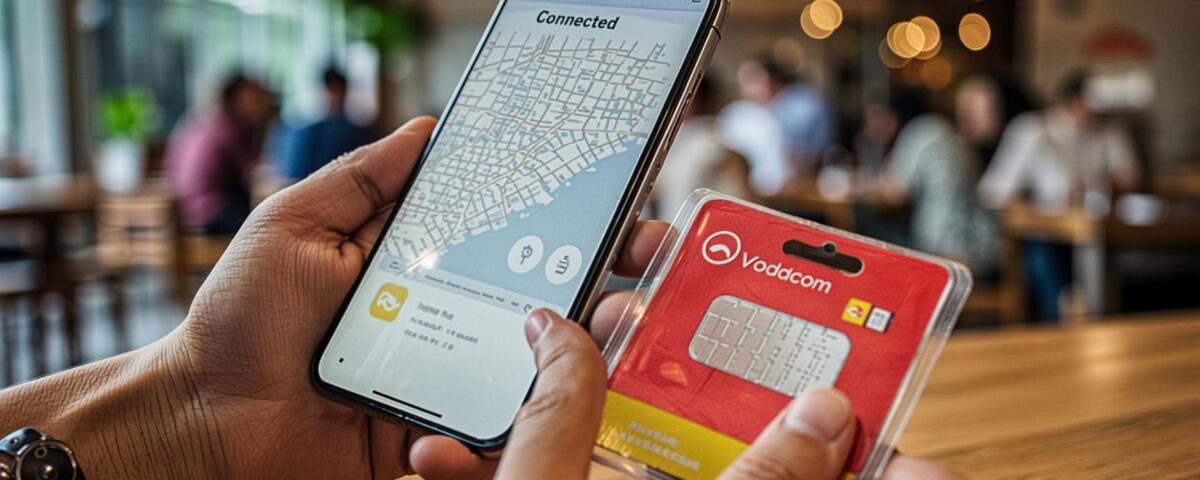
Whether you need to navigate the bustling streets of Johannesburg, book a ride on Uber, or share your stunning safari photos with friends back home, having a reliable internet connection is essential while traveling in South Africa.
Fortunately, South Africa has a well-developed telecommunications infrastructure. However, choosing the right network and understanding how to get connected can save you a lot of money and frustration. Here is your complete guide to staying connected in South Africa.
The Major Mobile Networks
South Africa has four primary mobile network providers. While they all offer coverage in major cities and towns, their reach differs significantly when you venture into rural areas or safari reserves.
- Vodacom: The largest and most popular network in South Africa. It offers the most extensive coverage, making it the best choice if you plan to travel to remote areas, national parks, or along the Garden Route.
- MTN: The second-largest provider. It has excellent coverage in urban areas and major tourist hubs, often rivaling Vodacom, but its rural coverage can sometimes be slightly less reliable.
- Cell C: A more budget-friendly option. They offer competitive data bundles, but their coverage outside of major cities and highways is limited.
- Telkom: The state-owned provider with the newest network. They offer incredibly cheap data packages, but their coverage footprint is the smallest. You will mostly only get a signal in major urban centers.
Recommendation for Travelers: For the most reliable nationwide coverage, especially if you are going on a safari, Vodacom is the safest bet.
Buying a Prepaid SIM Card
As a tourist, buying a prepaid SIM card is the most cost-effective way to stay connected. You simply buy the SIM card, insert it into an unlocked phone, and purchase data or airtime bundles.
The RICA Requirement (Crucial Information)
By law, all SIM cards in South Africa must be registered under the RICA (Regulation of Interception of Communications and Provision of Communication-Related Information) Act.
- What you need to RICA a SIM: You must present your original passport and provide proof of your local address (your hotel booking confirmation or a letter from your host is sufficient).
- Where to buy and RICA: You can buy and register SIM cards at airport kiosks (highly recommended for immediate access), official network stores in shopping malls, or at major supermarkets like Pick n Pay and Checkers.
Cost Expectations
A prepaid SIM card usually costs between ZAR 1 and ZAR 50 (often the SIM comes pre-loaded with some airtime). Data bundles vary, but you can generally get 1GB to 2GB of data for around ZAR 50 to ZAR 100.
The Modern Alternative: eSIMs
If you have a newer smartphone (like iPhone 14/15 series, Google Pixels, or Samsung Galaxy S series) that supports eSIM technology, this is by far the easiest way to get connected.
- How it works: You can purchase an eSIM plan online before you even leave your home country. Providers like Airalo, Holafly, or Nomad offer South Africa-specific or regional Africa eSIMs.
- The Benefit: No need to visit a store, no need to swap physical cards, and no RICA registration hassle. You simply scan a QR code, and your phone is instantly connected to a local network (usually Vodacom or MTN).
Wi-Fi Availability in South Africa
If you want to save your mobile data, Wi-Fi is widely available, but it has its limitations.
- Hotels and Airbnbs: Almost all hotels, guesthouses, and Airbnbs offer free Wi-Fi, though the speed can vary.
- Cafes and Restaurants: Major coffee chains like Vida e Caffè, Mugg & Bean, and most upscale restaurants offer free Wi-Fi.
- Airports: Free Wi-Fi is available at OR Tambo, Cape Town, and King Shaka airports (usually with a time limit or data cap).
The Wi-Fi Warning: Do not rely solely on public Wi-Fi if you are traveling outside of urban areas. Once you hit the open road or enter a game reserve, Wi-Fi disappears entirely.
Important: Load Shedding and Connectivity
You cannot visit South Africa without hearing about Load Shedding—rolling blackouts implemented by the national power utility to manage electricity demand.
Load shedding affects everything, including mobile networks. When the power goes out in a specific area, the cell towers switch to battery backup. If the outage lasts a long time, the batteries die, and the mobile signal drops.
- Pro Tip: Always keep your phone fully charged when you have electricity, download offline maps (like Google Maps offline areas) before heading out for the day, and consider carrying a high-capacity power bank.
By securing a reliable SIM card or eSIM and understanding the quirks of the local infrastructure, you can ensure that you stay connected, safe, and ready to share every moment of your South African adventure.